
Connect with us on

Have you observed that lots of popular websites like Facebook, BBC, and other social media sites colorize the address bar of their site on mobile browser(Chrome browser)?

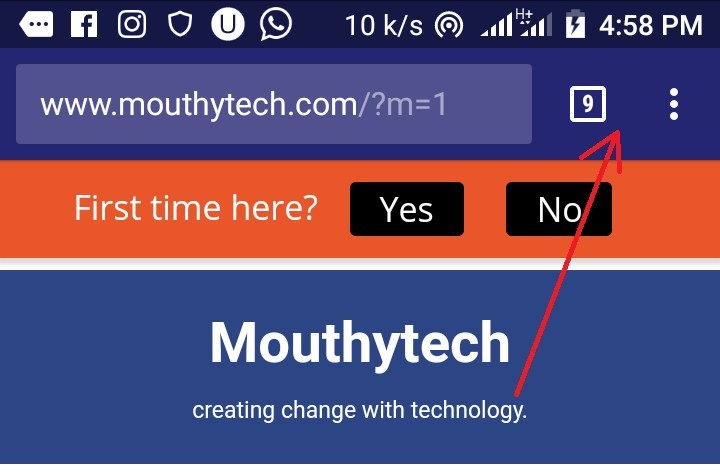
Well, this trick helps to make the URL bar have the same color with your blog template. It works mainly on Android OS newest version. This makes your site look good and more professional on mobile browsers.
Here is how to colorize the address bar on mobile browser for blogger template.
Step 1: Login to your blogger account
Step 2: Click on template
Step 3: Then click on EDIT HTML.
Step 4: Now press Ctrl+F and search for </head> tag.
Step 5: Copy the script below and paste it before/above it.
<meta content=’#242672′ name=’theme-color’/>
Step 6: Click save to save changes.
However, to pick your desired color you can click HERE to get the color code.
Congratulation, I hope you have successfully applied this trick to your blogger template. If you need help feel free to leave a comment below. Thank you.
Don’t just read the article. like, comment and share 👍